 To the left, below your account info, you will be able to choose what changes you would like to make to your Priority Matrix. Click the link titled “change email.”
How Can I Change the Email I Signed Up With?
If you wish to change the email connected to your Priority Matrix account, this is easily done.
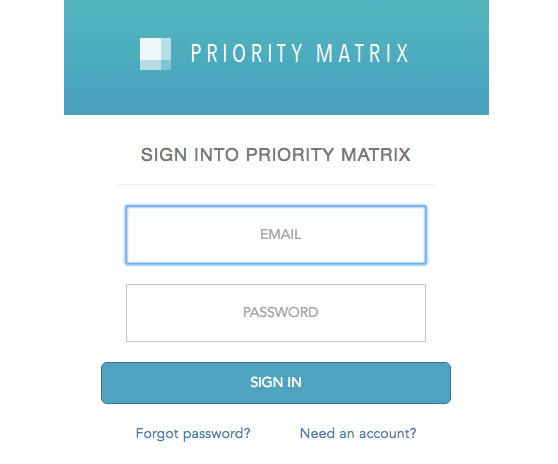
First, sign into your Priority Matrix account.
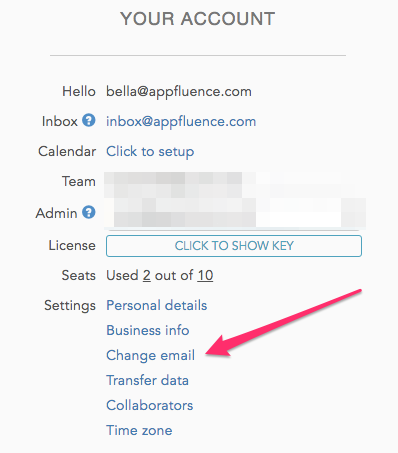
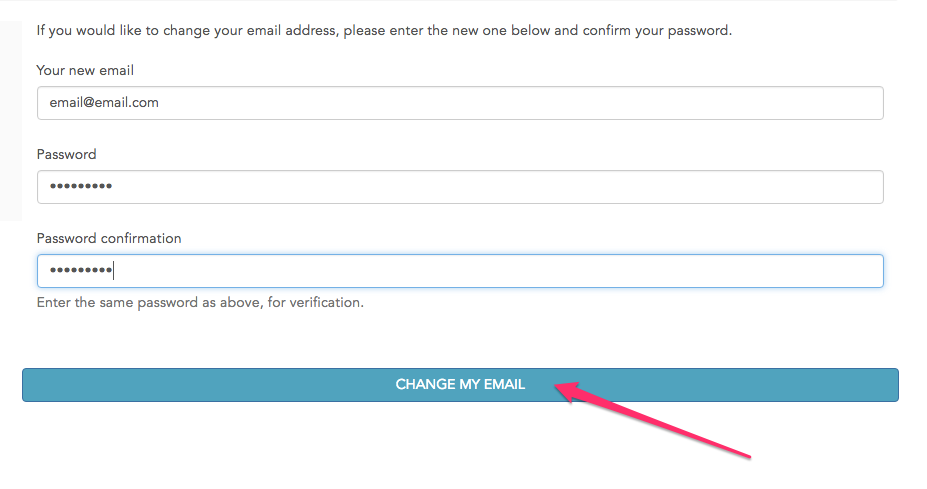
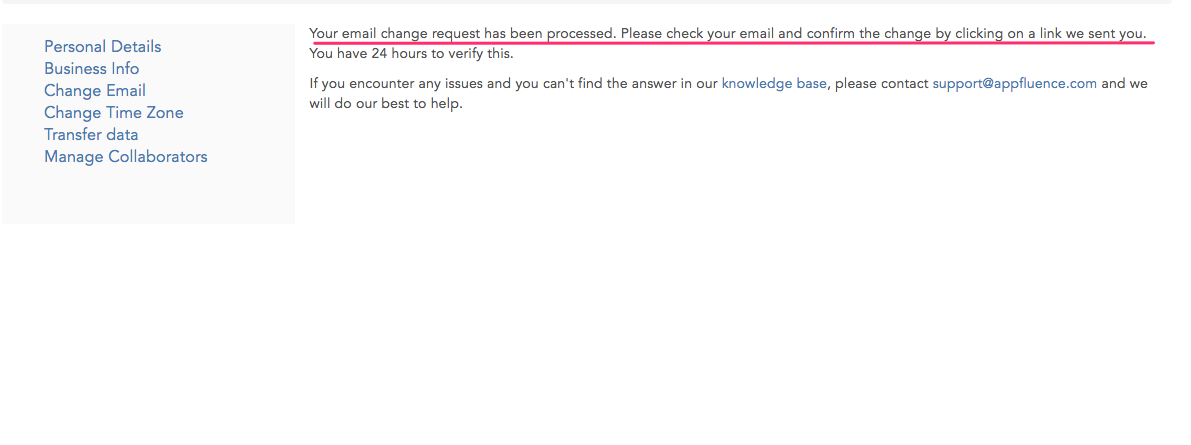
 To the left, below your account info, you will be able to choose what changes you would like to make to your Priority Matrix. Click the link titled “change email.”
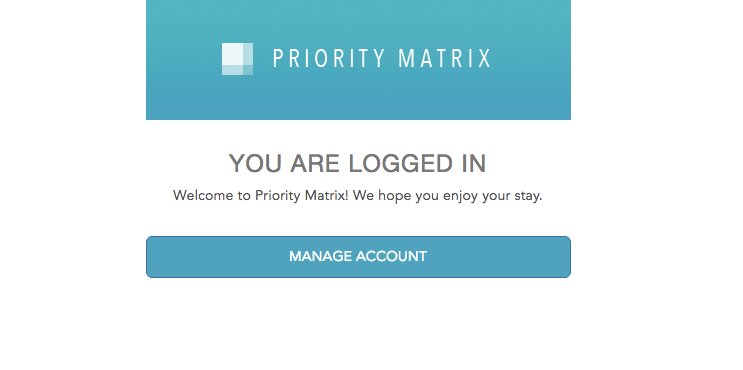
After logging on, you will be given the option to manage your account settings.
To the left, below your account info, you will be able to choose what changes you would like to make to your Priority Matrix. Click the link titled “change email.”